The Rewise app
Your AC.
On your phone.
Set up Rewise Air, control your AC and create automations from the Rewise app.
iPhone
Rewise for iPhone.
Rewise for iPhone is on its way to the App Store in Malta. Once it’s there, you’ll download it here. Requires iOS 17 or later.
Android
Rewise for Android.
Download Rewise directly from our website. Requires Android 8 or later.
Version 1.0.6 · 2.6 MB · free · How to install it
Android
Install it in four taps.
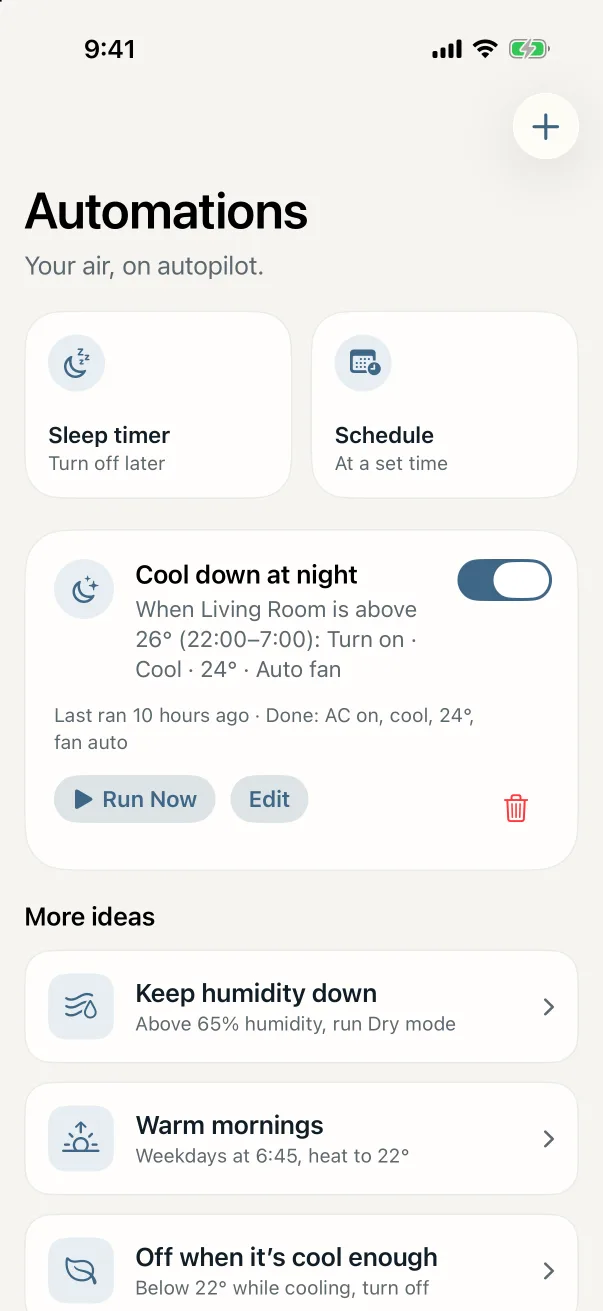
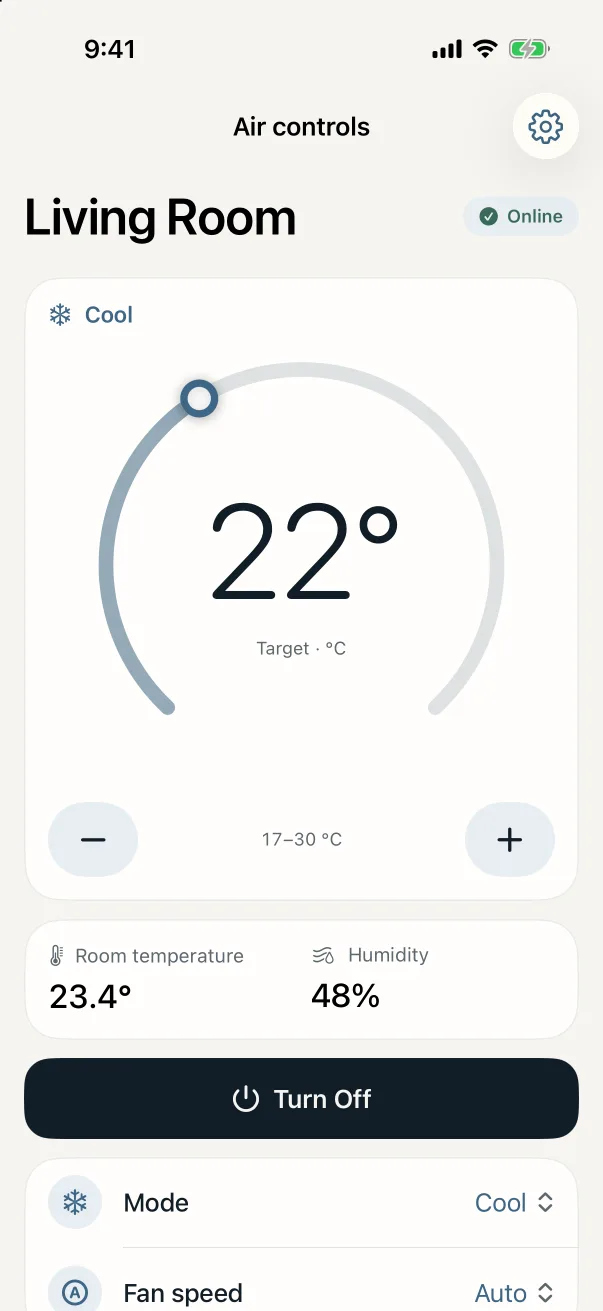
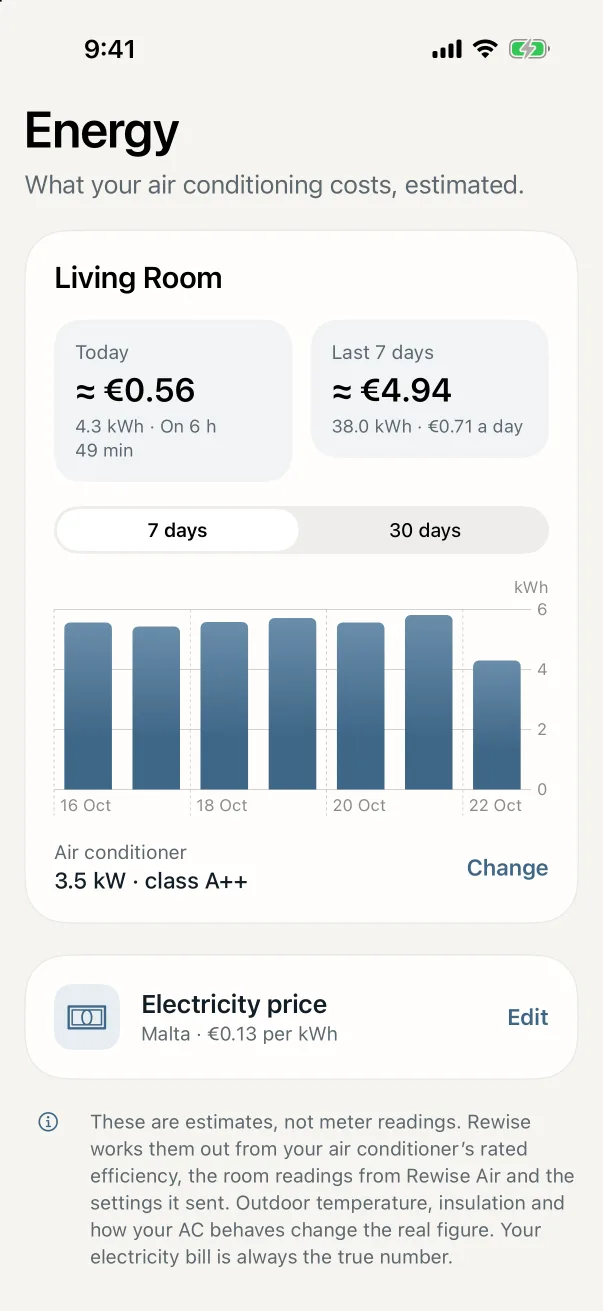
The same Rewise app, on your Android phone: set up Rewise Air, control your AC at home and away, automations, energy, Alexa and family sharing. Do this on your Android phone. It takes about a minute.
Download
Tap Download Rewise for Android on this page.
Open it
When the download finishes, tap it to open it.
Allow it
If Android asks, tap Settings, switch on Allow from this source, then go back.
Install
Tap Install, then Open. That’s it.
Good to know
- Why does Android ask? Rewise isn’t on Google Play yet, so Android checks once that you trust where the app came from.
- Google Play Protect warning? Tap More details, then Install anyway. It shows for apps that aren’t on Google Play.
- Can’t find the download? Open the Files app and look in Downloads for Rewise-1.0.6.apk.
- Updates: download the new version from this page and install it the same way. Your devices and settings stay.
- Using an iPhone too? Sign in to the same Rewise account on both, and every phone sees the same home.
Get started
Then add your Rewise Air.
Open Rewise and choose Add a device to get started, or sign in to your Rewise account.
Need a hand? Email support@rewisehome.com and a person will help.